
A front desk till, payment requests and clearer appointment emails
New in the Kiera workspace: take payment at the counter by card reader or QR code, send a secure payment link in one step, and confirmation emails that show who the client is seeing.
By Antonio Giugno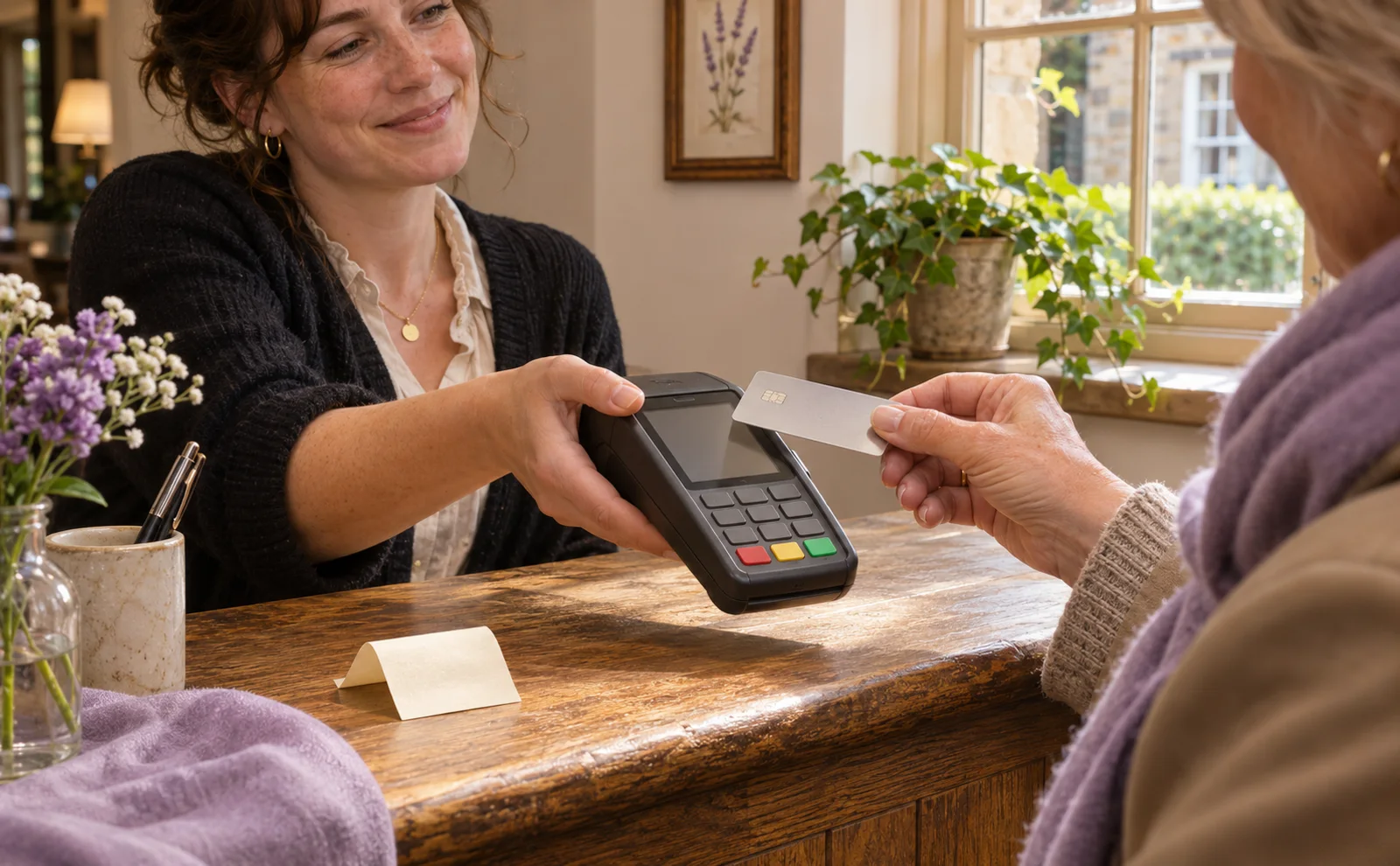
You can now take payment at the front desk inside Kiera, by card reader or QR code.
This note, dated 2 November 2026, covers three changes now in the Kiera workspace, plus one more check on the phone.
A till at the front desk
Open Sales, then Take payment.
Tap the services and products into a basket. Add a custom item if a price was agreed on the day. Then choose how the client pays: on a Stripe Terminal card reader at the desk, or by scanning a QR code on the screen with their own phone.
Every basket is priced from your own services and products list, so the amount on screen is always the amount you set. The sale lands in Payments and in your sales report, next to everything else.
One less system at the counter.
Payment requests in one step
Deposits, balances and product orders often happen after the client has left.
Now you choose the client, the item and the amount, add a short note, and Kiera sends one private link by text, email or both. The link lasts seven days unless you choose otherwise, and you can see when it has been opened and when it has been paid.
The client pays by card, Apple Pay or Google Pay through Stripe. Your team never sees card details, and the money goes to your own Stripe account. KieraSI takes no commission.
Appointment emails that say who and where
Confirmation emails now show who the client is seeing: their name, role, a short bio and a photo, for team members you show online.
They also show the location, how to reach you and your cancellation notice period, so the client has everything in one place.
A first visit feels less like a first visit.
A careful ear for email addresses
On the phone, Kiera now checks an email address before anything is sent to it. If it looks like a one-letter slip on a common provider, she asks once ("Is that gmail.com?"). If the domain does not exist, she asks the caller to spell it.
Fewer confirmations lost to a typo.
Your move
If payments still live on a separate card machine and a notepad, we would be grateful for 15 minutes of your time.
Quick answers
How do I take a payment at the counter?
Open Sales, then Take payment. Tap the services and products into a basket and choose a card reader or an on-screen QR code. The client pays by card or on their own phone, and the sale appears in Payments and your sales report.
Which card readers work with the till?
Stripe Terminal card readers paired to your own connected Stripe account. You pair a reader with the code shown on its screen and give it a name, for example Front desk.
Can someone change the price on the till screen?
No. Each basket is priced on the server from your own services and products list. For anything priced by quote, add a custom item with the agreed amount.
How long does a payment link last?
Seven days by default, and you can choose the period when you send it. You can see when it has been opened and paid. Card, Apple Pay and Google Pay are handled by Stripe, so your team never sees card details.
Does KieraSI take a commission on payments?
No. Payments go to your own Stripe account. Stripe's own fees apply.